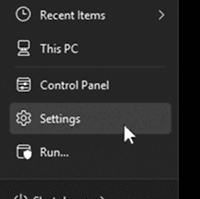
First, click Start on your task bar, then click “Settings”.



First, click Start on your task bar, then click “Settings”.
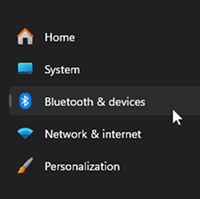
On the left-hand sidebar, click on Bluetooth & devices.
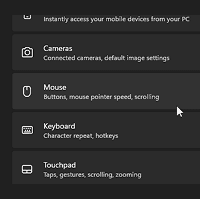
In the list on the right, click on the Mouse tile.
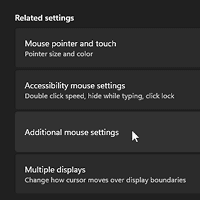
Look for the Related settings section and click on Additional mouse settings.
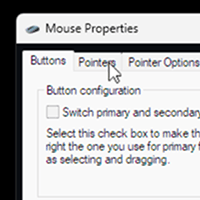
In the pop-up window, click the Pointers tab at the top.
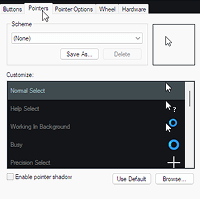
Then choose and click the cursor you want to replace.
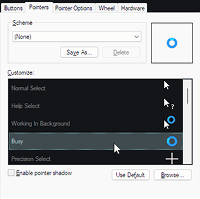
As an example, we’ll replace the “Busy” cursor.
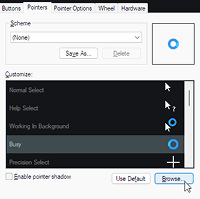
Click on “Browse”.
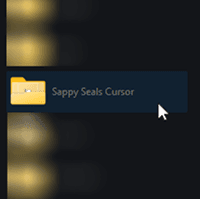
Locate the “Sappy Seals Cursor” folder. Make sure that you already extracted it.
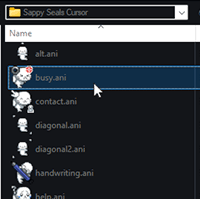
Now choose your desired cursor.
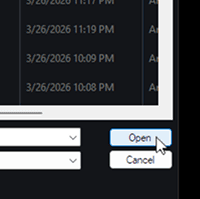
After choosing, click “Open”.
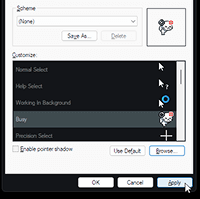
Then lastly, click “Apply”, then “OK”. ~Enjoy!